 Sengol
The Console: what needs a decision, and the evidence behind it.
Sengol ships a web Console for the people who answer to the examiner: compliance, risk and platform engineering. Every screen reads from signed records, not from a second system.
Start from the standing, not the dashboard.
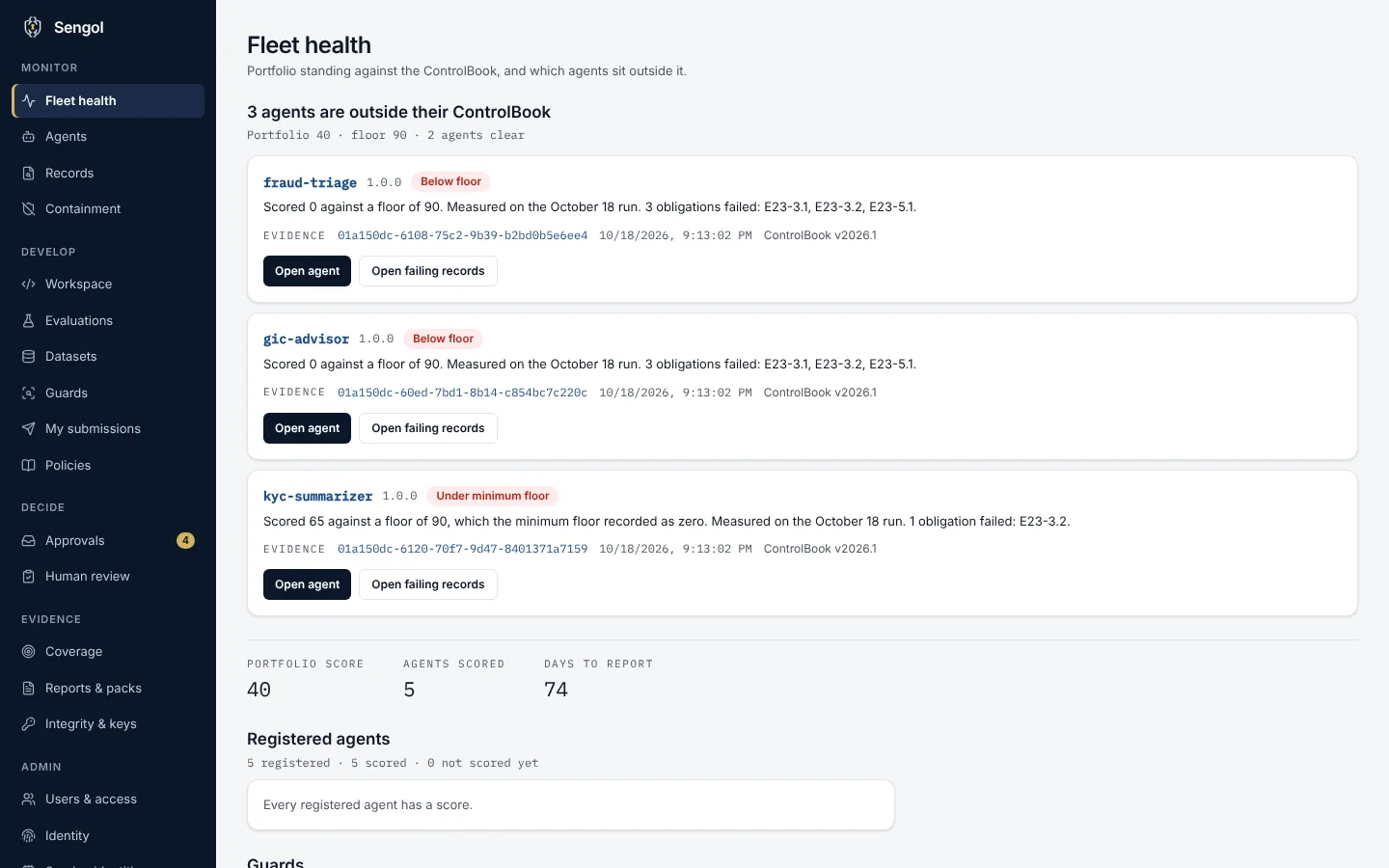
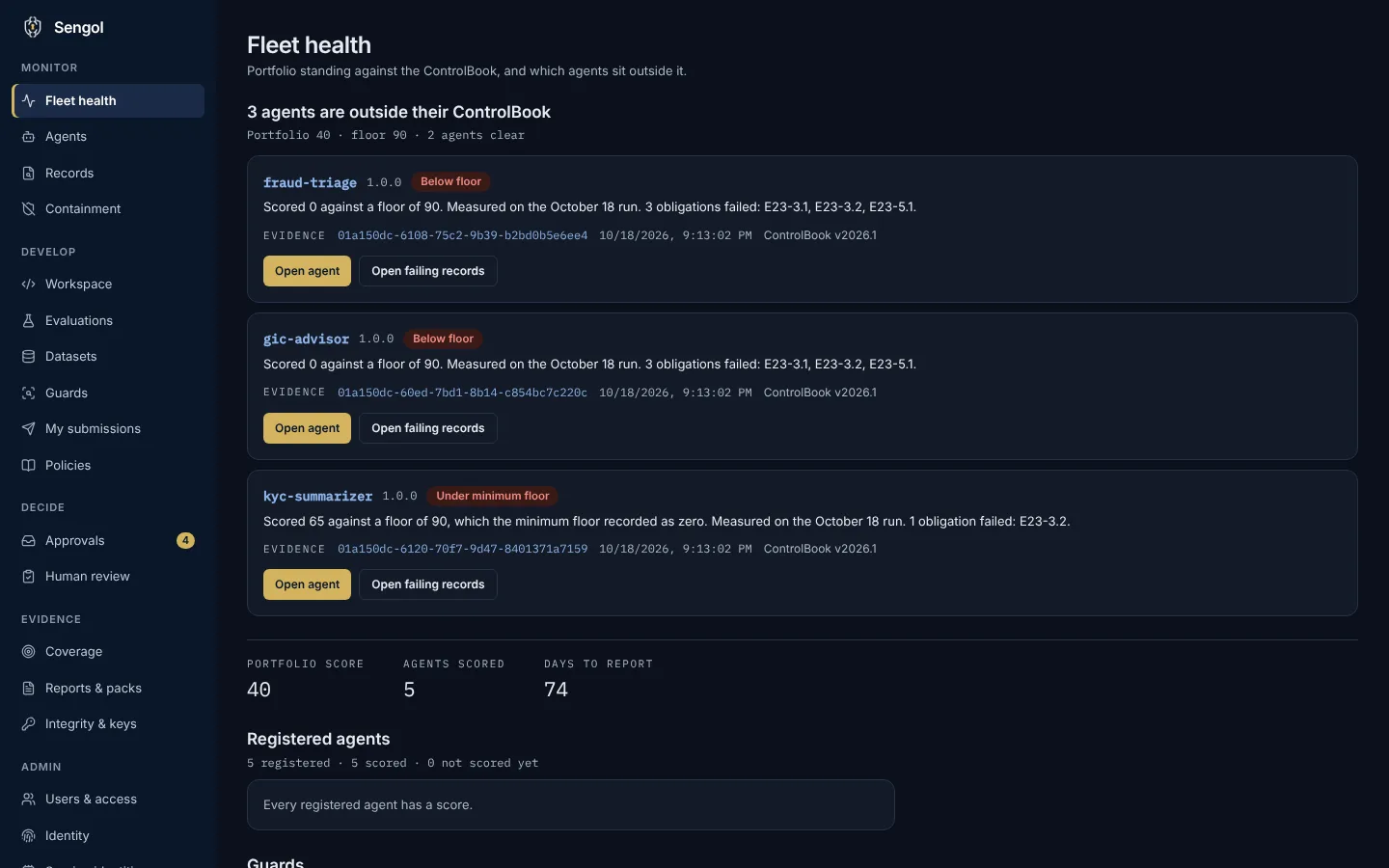
The Fleet health page shows the portfolio score against the ControlBook and which agents sit outside it. Each one carries a sentence on why, the signed record that backs it and the ControlBook version it was measured against.
Every agent, its tier and its score.
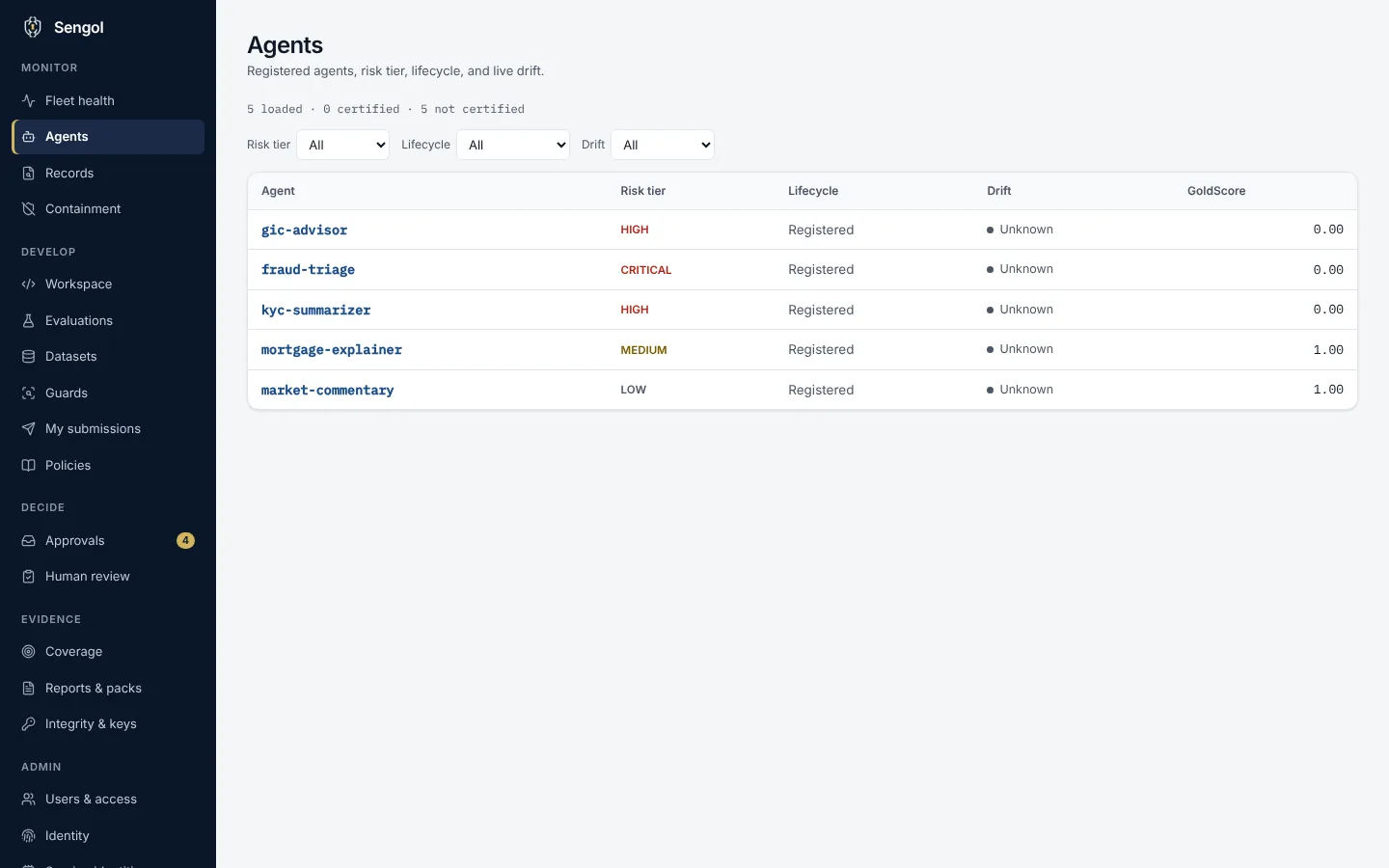
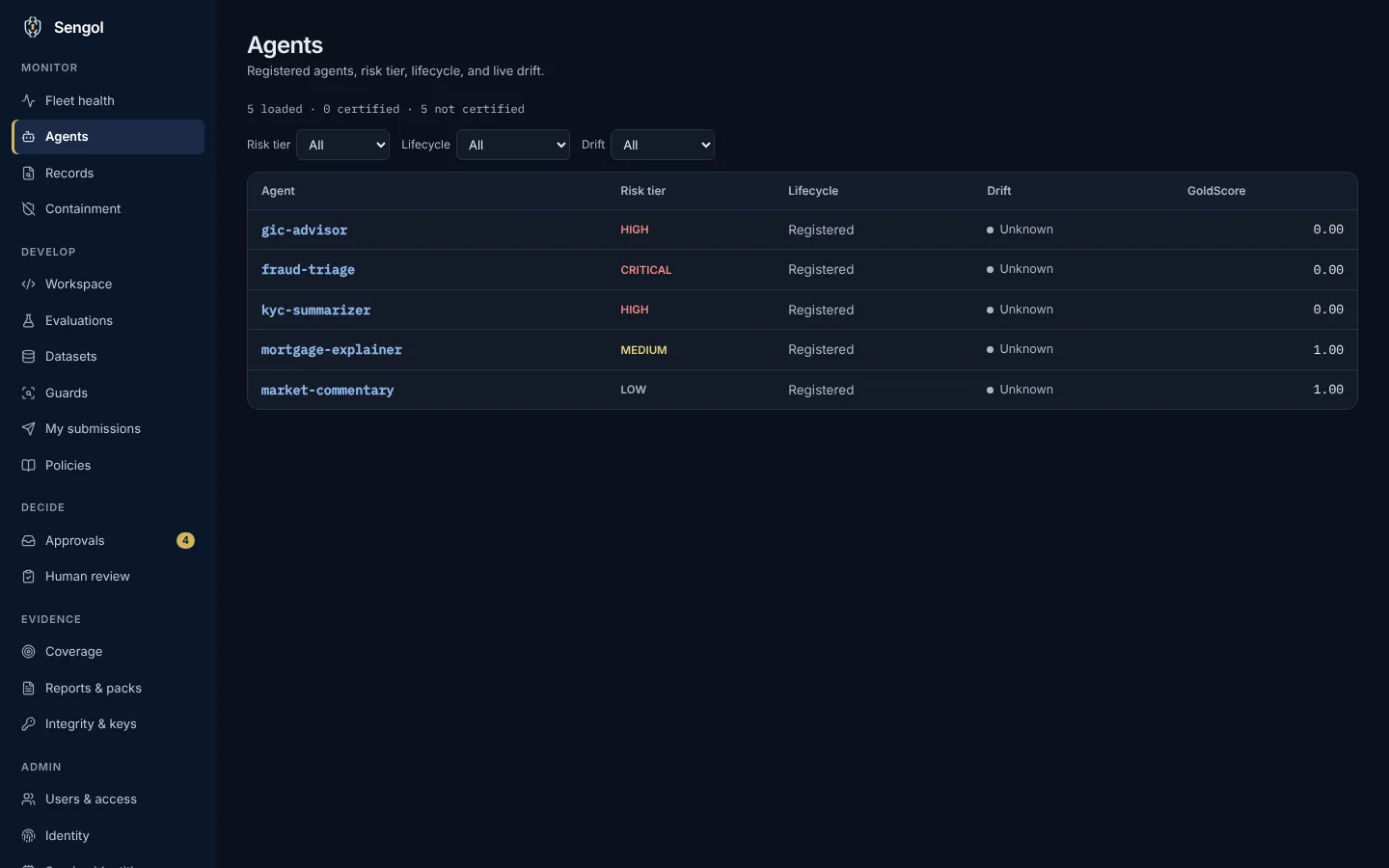
The Agents page lists each registered agent with its risk tier, lifecycle stage, drift state and GoldScore. Filter by tier, lifecycle or drift to find the ones that need attention.
One record is one decision.
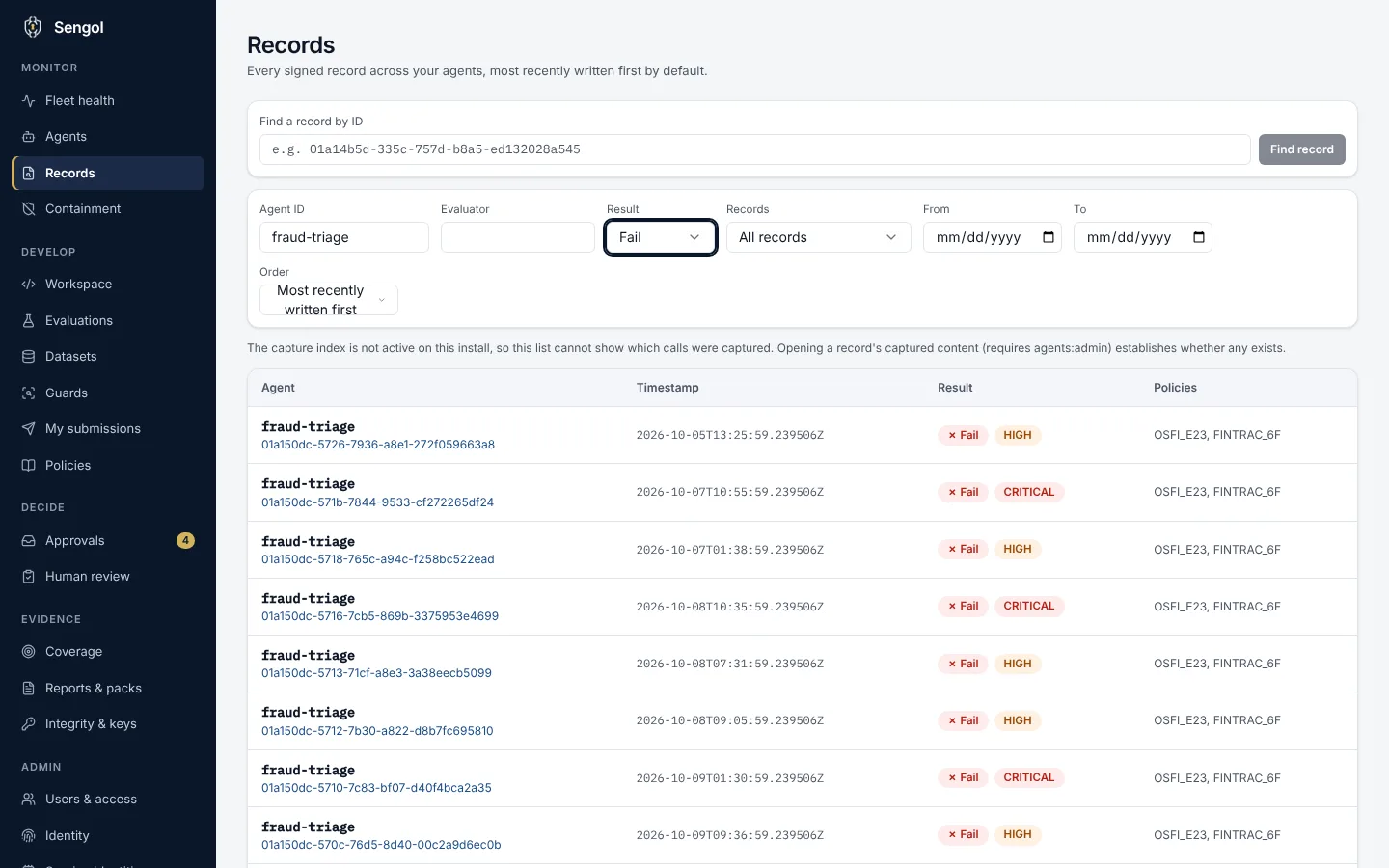
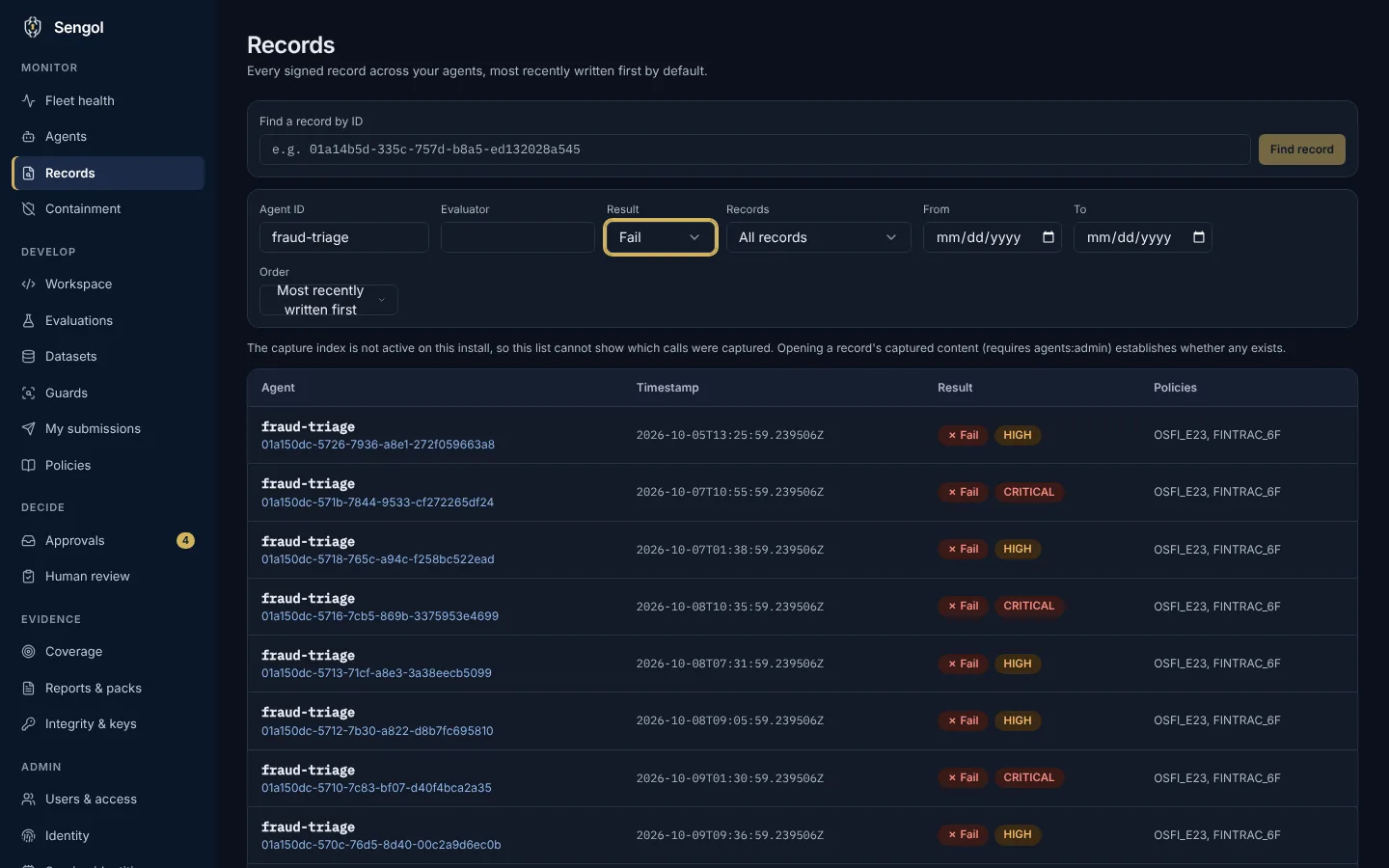
Every signed evaluation record is listed with its agent, timestamp, result and the policies it was checked against. Filter by agent, evaluator, result or date. Failures carry their severity.
Coverage per obligation, from your own ControlBook.
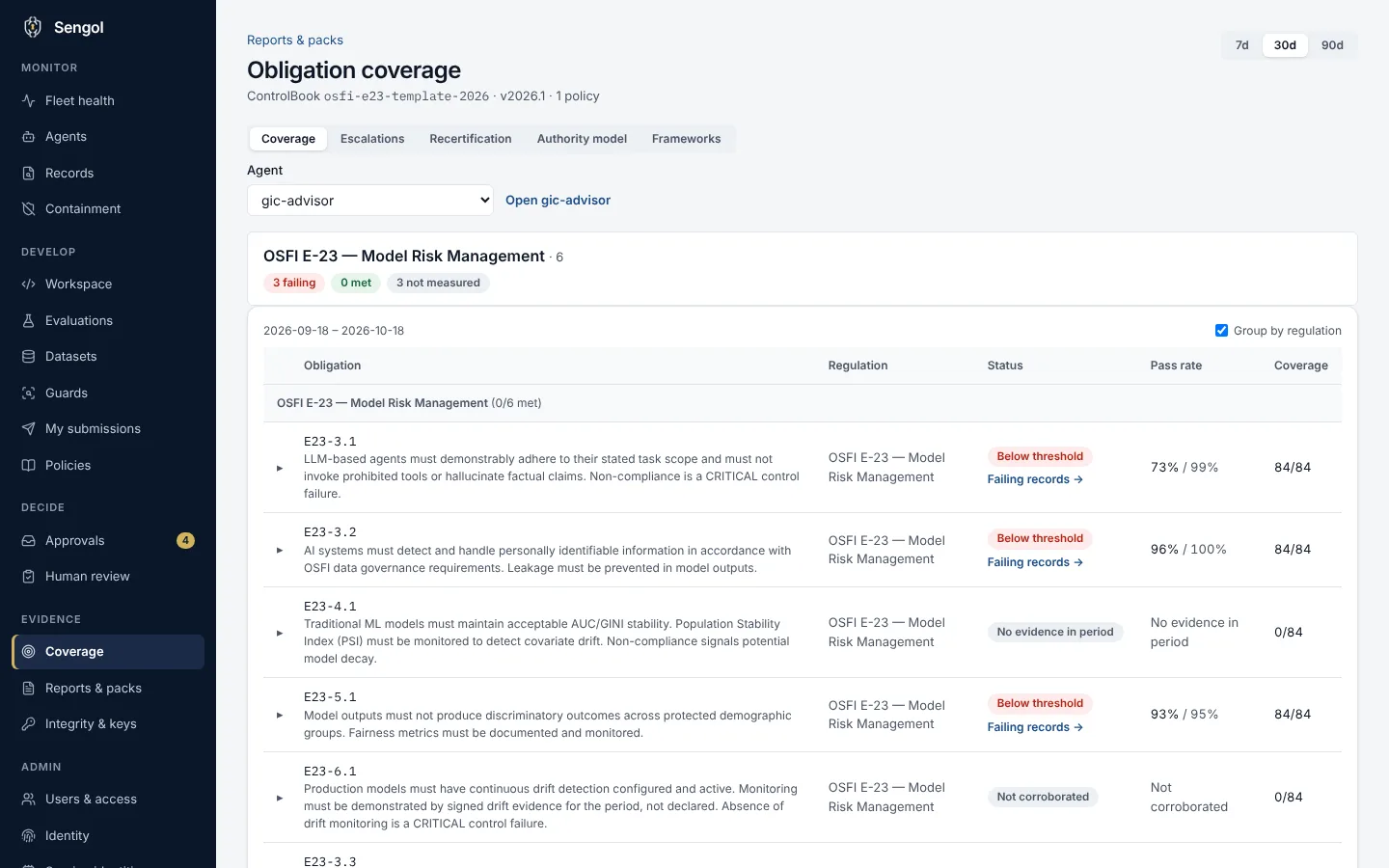
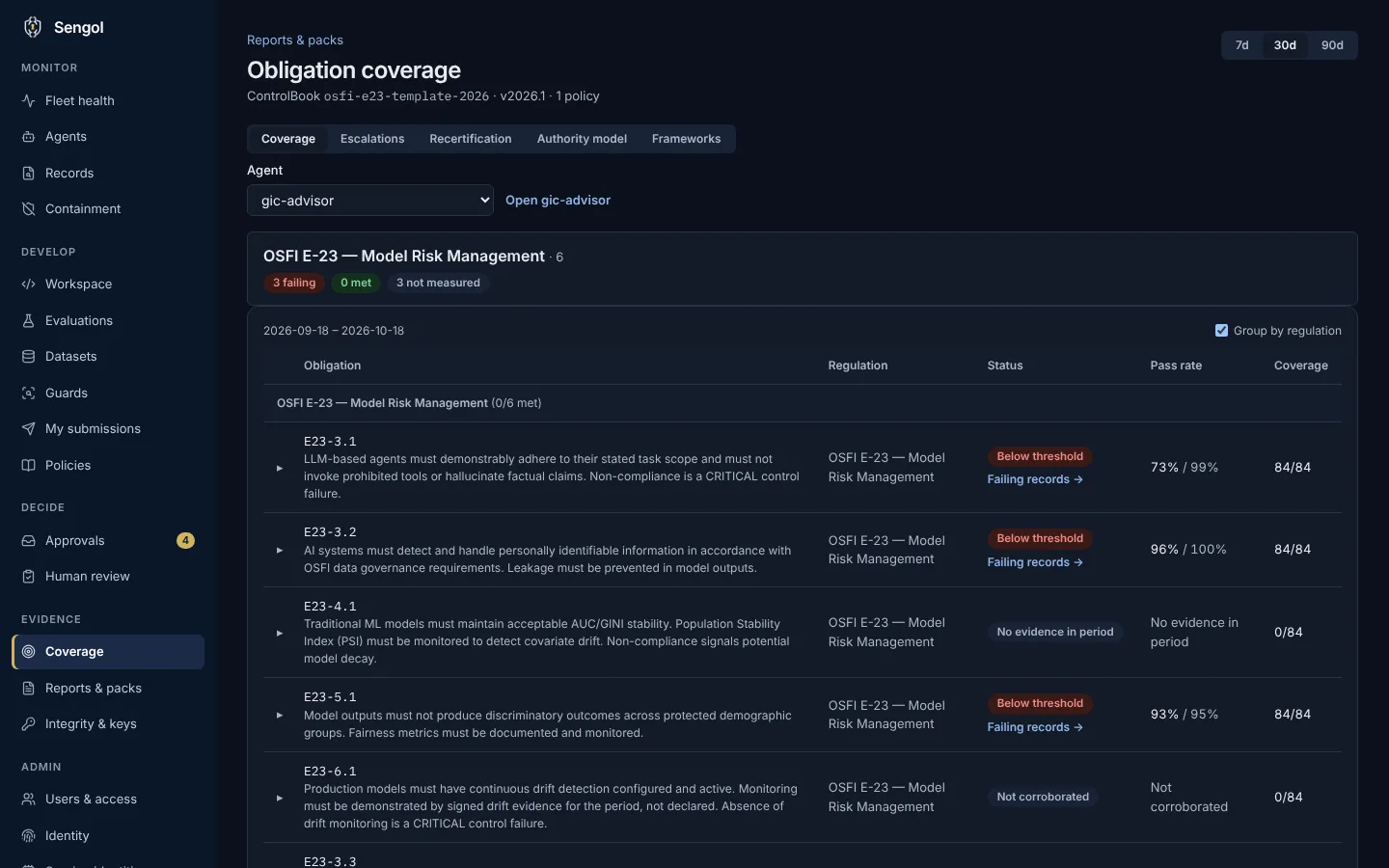
Load an agent and see each obligation in the active ControlBook: its status, pass rate and how many records cover it. Obligations with no evidence in the period say so.
One inbox for every decision waiting on you.
Approvals gathers what needs a decision from you: agent intakes, guard versions, ControlBook versions and held review items. An agent is registered only when someone other than its proposer approves its intake.
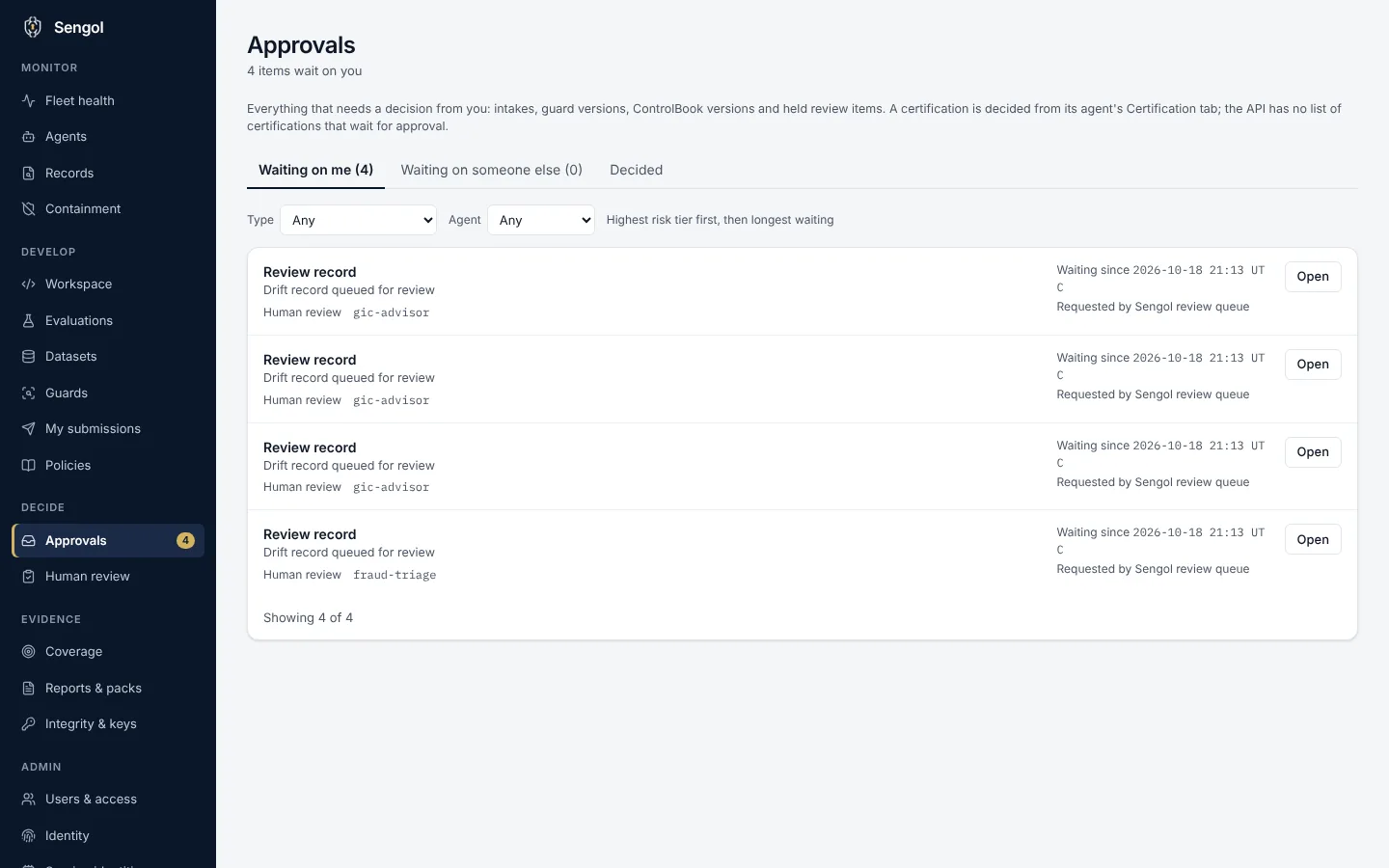
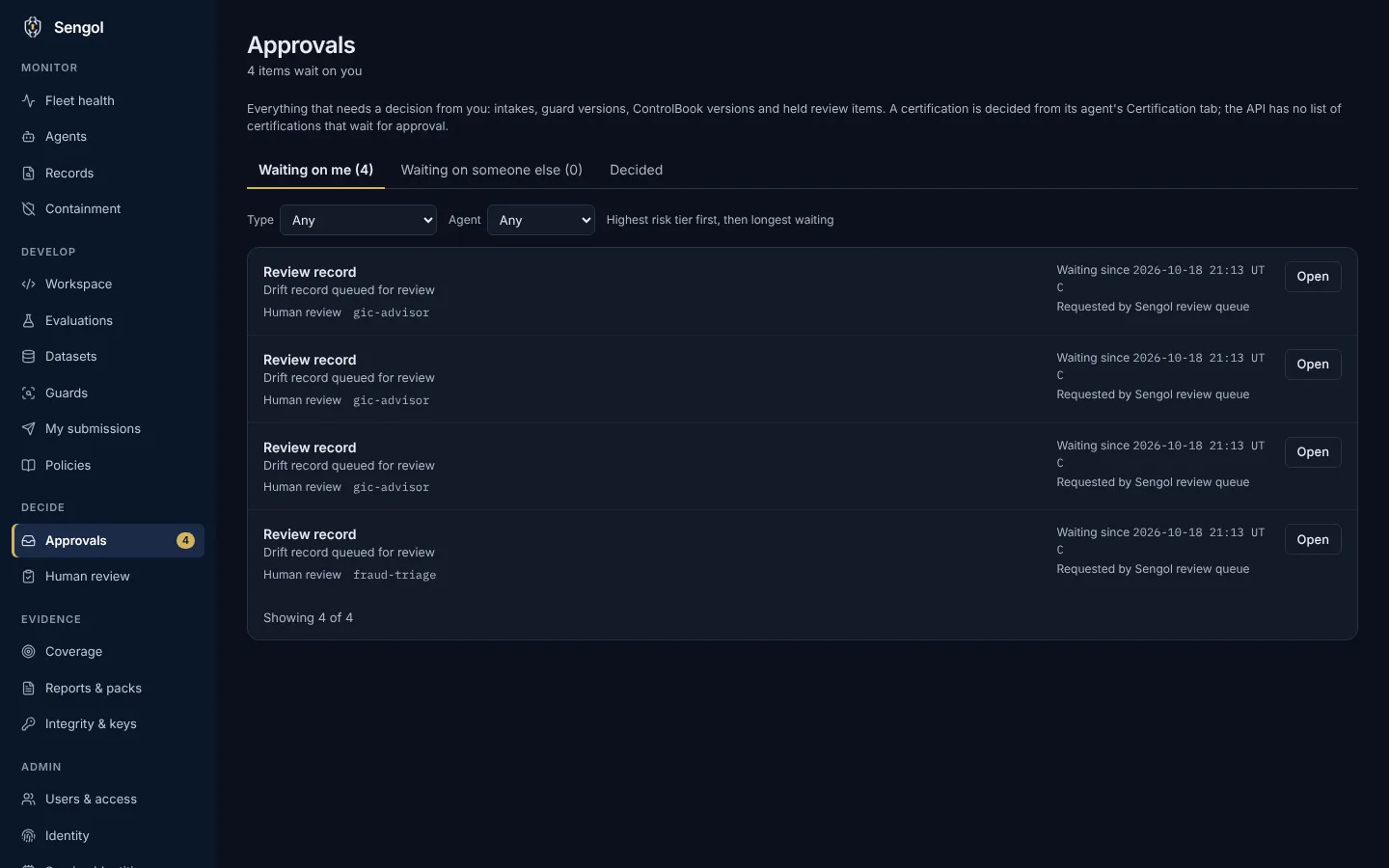
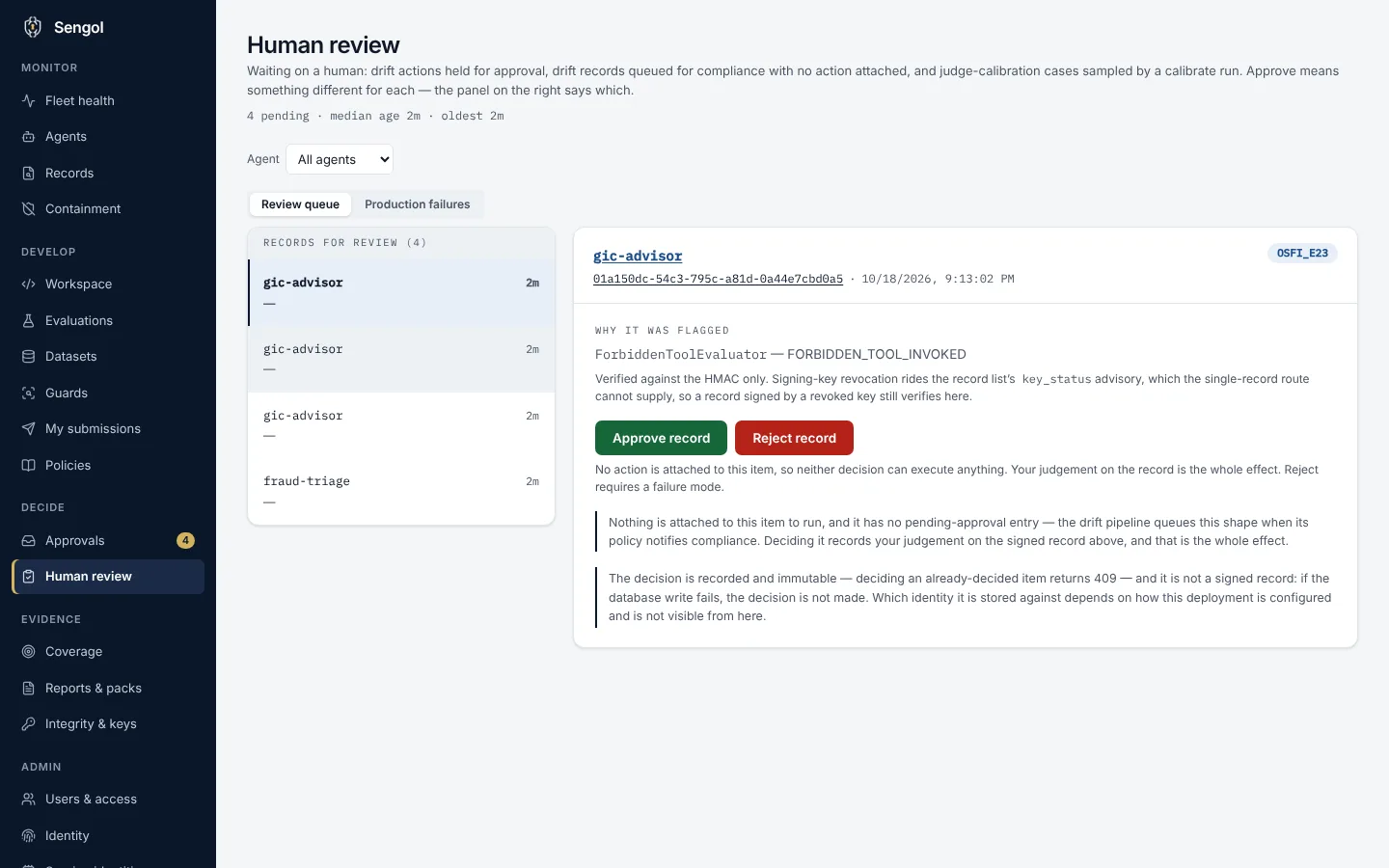
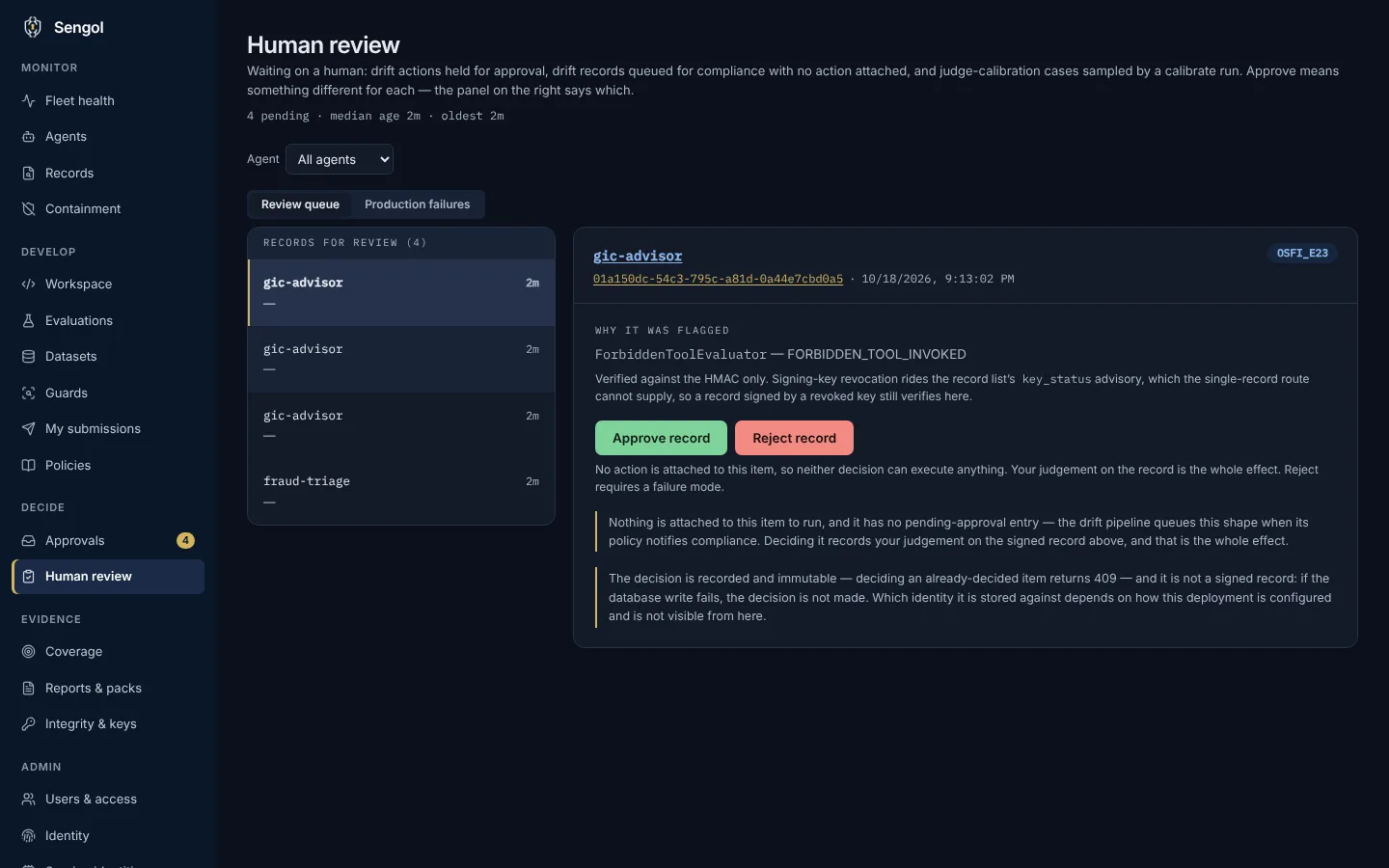
Failures a person decides on.
Failing records are queued for a human. The reviewer sees which evaluators flagged the record, then approves or rejects it. A rejection needs a failure mode, and a recorded decision cannot be changed.
Screenshots of a Sengol demo install seeded with sample data. Not a customer environment.
See it on your own agents.
A 14-day pilot is the full product, arranged with Sengol after a request.